Welcome
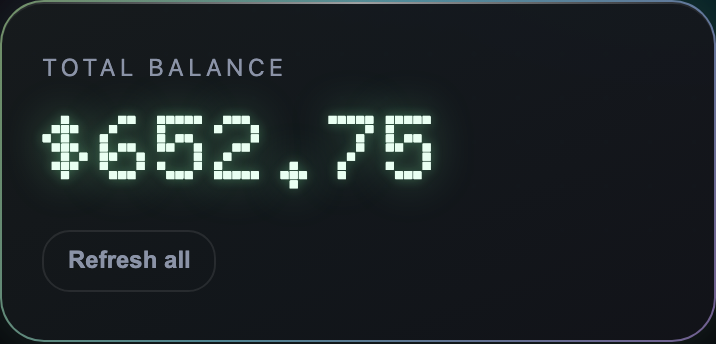
Total balance
$0.00
Your game accounts
Deposit
Withdraw
Accounts
Create new account
Support
A real person replies 24/7 - usually within minutes.
FAQ
How it works
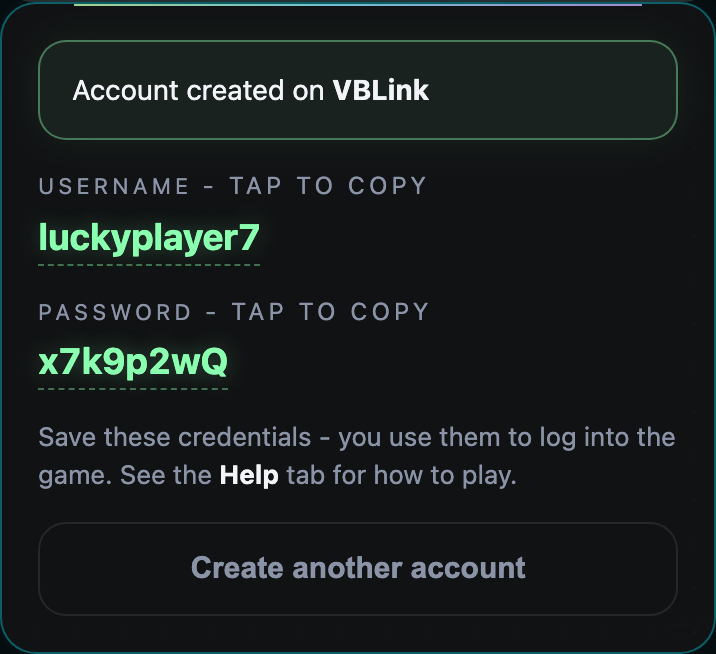
1. Create a game account
- Open the Accounts tab.
- Pick a platform (each one has different games).
- Choose a username and a password.
- Tap Create account - your login appears instantly. Save it.
2. Deposit with crypto (USDT TRC20)
- Open the Deposit tab and pick your game account.
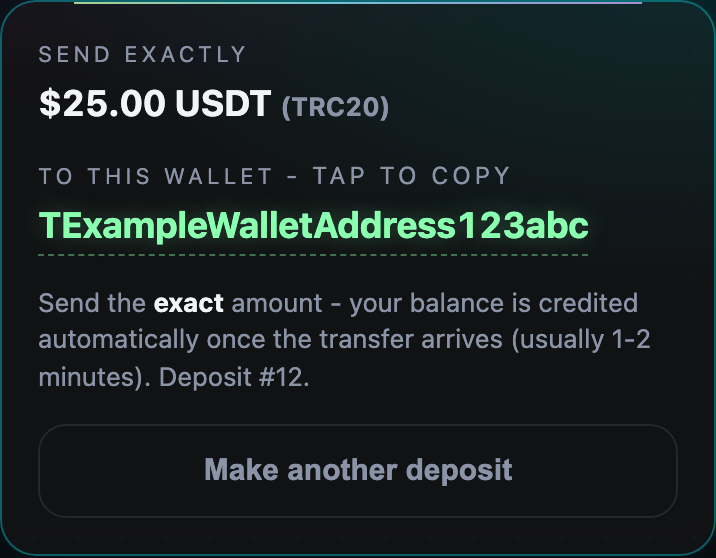
- Choose USDT TRC20 and enter the amount.
- Send the exact amount to the wallet address shown (tap it to copy).
- Balance is credited automatically once the payment arrives (usually 1-2 minutes).
3. Deposit with Zelle / Apple Pay / Cash App / Bank
- Open the Deposit tab and pick your game account.
- Choose your payment method and enter the amount.
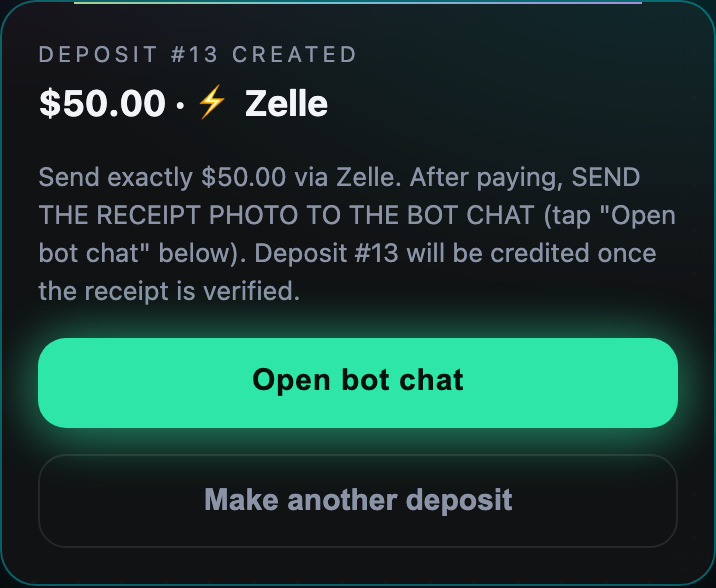
- Send the payment using the details shown.
- Tap Open bot chat and send a photo of your receipt there.
- We verify it and credit your game balance - usually a few minutes.
4. Withdraw your winnings
- Open the Withdraw tab and pick the account to cash out from.
- Enter the amount (or tap MAX).
- Pick a payout method and enter your wallet address or payment handle.
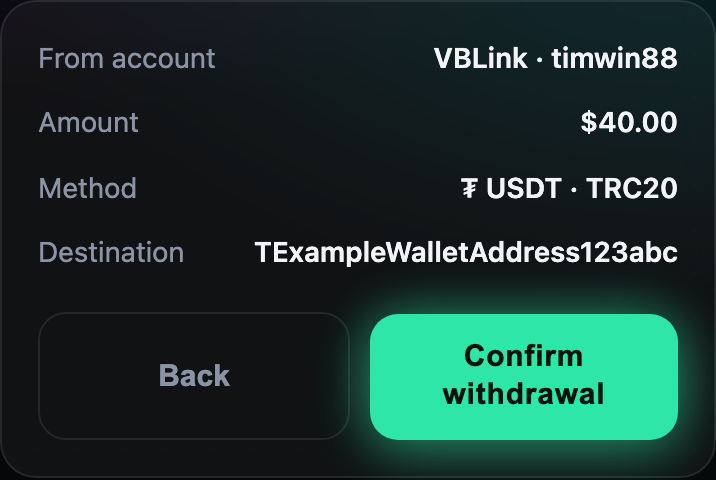
- Review and confirm. We send the money and deduct the game balance.
5. Open the game and play
- After creating an account, open the platform's app or website (ask support for the link).
- Log in with the username and password you created here.
- Your deposited balance appears as in-game score.
- Play, win, and cash out anytime from the Withdraw tab.